Goobies 2 System Requirements
Minimum vs recommended specs, controllers, and Steam features.
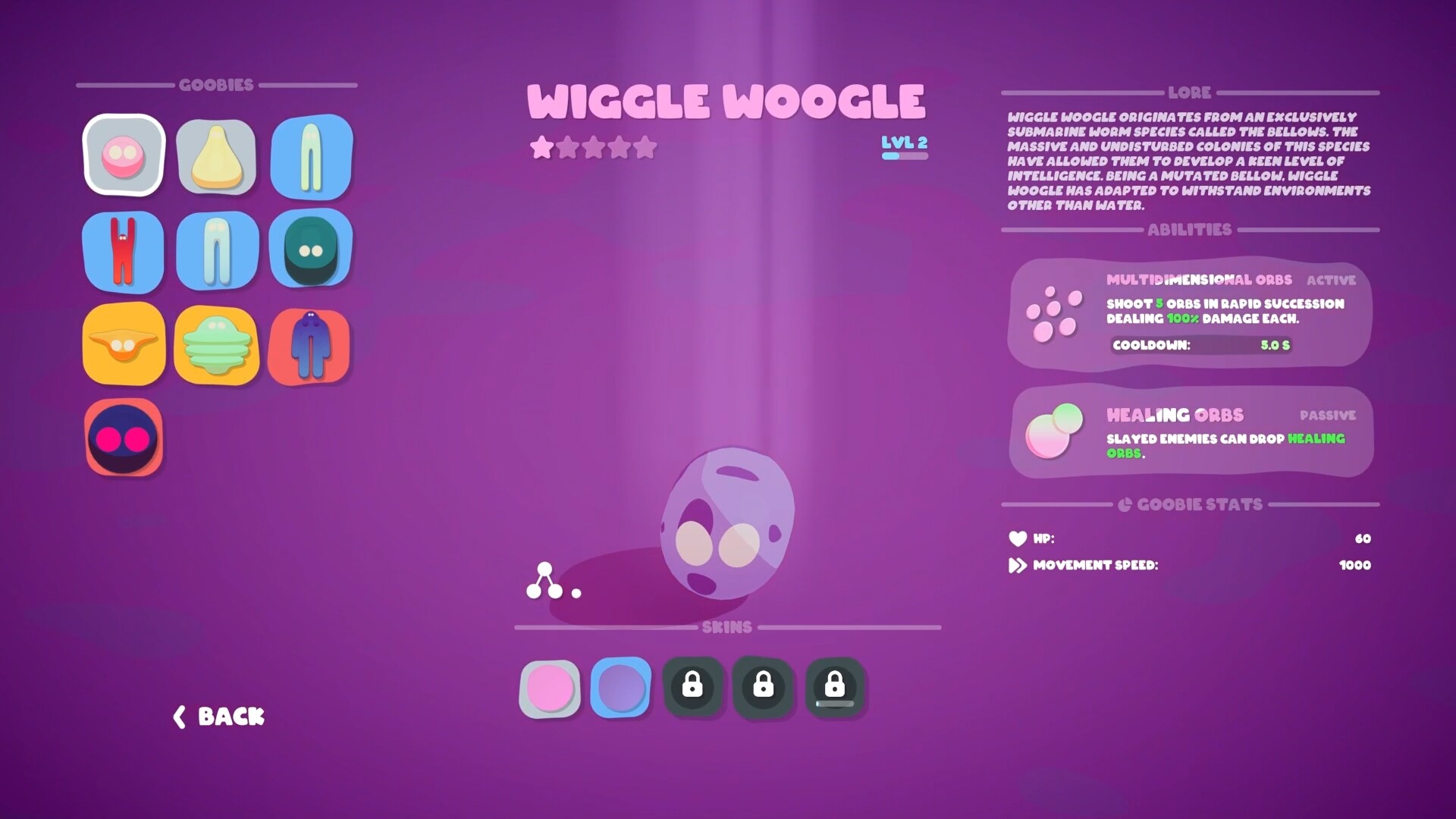
Before you invite two friends into a three-player Blobverse riot, confirm the machine can keep up. Goobies 2 is a Windows Steam title from Höganäs Spel—third-person co-op roguelite with dense particle chaos once mutations and omens start stacking. This page mirrors the published Steam requirements and adds practical notes for co-op, controllers, and launch-week hitching.
Parent hub: Tools. Related: Artifacts & Difficulties, Getting Started, Official Links.
Minimum requirements
| Component | Spec |
|---|---|
| OS | Microsoft Windows 10 |
| Processor | Intel Core i5-6500 |
| Memory | 8 GB RAM |
| Graphics | NVIDIA GeForce GTX 1060 |
| Storage | 3 GB available space |
Minimum means the game should boot and play. Expect to lower resolution or effects if three-player fights fill the screen with explosions, chain lightning, and boss telegraphs at once.
Recommended requirements
| Component | Spec |
|---|---|
| OS | Microsoft Windows 10 |
| Processor | Intel Core i5-7500 |
| Memory | 8 GB RAM |
| Graphics | NVIDIA GeForce GTX 1070 |
| Network | Broadband Internet connection |
| Storage | 3 GB available space |
Recommended is the comfort zone for co-op. Broadband is called out because online sessions (up to three players) need a stable route—not necessarily gigabit, but not flaky café Wi-Fi either.
What “8 GB RAM on both rows” implies
Minimum and recommended both list 8 GB RAM. That does not mean memory is irrelevant—it means Höganäs Spel expects 8 GB as the practical floor. Close browser farms and overlay bloat if you are literally at 8 GB while hosting.
Storage and installs
3 GB is modest by 2026 standards, but leave headroom for Steam shader caches, crash dumps, and the optional soundtrack DLC if you buy the bundle. Installing on an SSD reduces hitching when levels stream and when the game compiles shaders.
Controller support
Goobies 2 lists full controller support. You can splat blobs from a pad without fighting half-finished prompts. Still worth verifying:
- Steam Input bindings if you use non-Xbox pads
- Camera sensitivity in first minutes—third-person aim matters more than in the top-down original Goobies
- UI focus when browsing mutations, omens, and artifact toggles
Keyboard and mouse remain excellent for precise aiming on artillery kits like Moon Canoon.
Steam features that matter day to day
- Steam Cloud — carry settings and progress between PCs
- Achievements — track goobie unlocks, mutation milestones, difficulty clears, artifact completions
- Leaderboards / Stats — compare damage and challenge energy with the community (demo leaderboards previously tracked Haibel damage in events)
- Family Sharing — check Steam’s current sharing rules if you pass the library around
- Single-player and Online Co-op — both supported; co-op caps at three
Display and stutter tips from late playtests
Pre-release notes added quality-of-life that directly affects “does my PC feel okay?”:
- Resolution settings
- Fullscreen and Windowed options
- Forced Compile Shaders when starting the game
If your first session stutters hard then smooths out, run a forced shader compile and stay in fullscreen on a stable resolution. Update GPU drivers before blaming the goop.
Co-op performance checklist
- Everyone meets at least minimum GPU/CPU.
- Host on the strongest upload and steadiest machine when possible.
- Cap framerate if heat throttling hits mid-boss.
- Disable unused overlays if input lag appears during Rolley grapples or Spinny toggles.
- After big patches, expect a fresh shader hitch—compile once, then play.
Laptop notes
A GTX 1060-class laptop can clear Normal, but thermals matter when Exploding mutations paint the map. Use a flat surface, consider a frame cap, and lower shadows/particles before lowering resolution to unreadable mush—you still need to see Haibel telegraphs.
Demo vs full game
A free Goobies 2 Demo exists on Steam (separate app). Use it as a hardware smoke test: if the demo already hiccups in busy fights, upgrade expectations before buying into artifact-enhanced chaos. Links live on the Official Links page.
Accessibility of specs vs skill
Meeting recommended specs will not beat Impossible for you—that still takes kit knowledge from the Players Hub, gene planning from Mutations & Omens, and rule literacy from Artifacts & Difficulties. Hardware only buys frame time; builds buy wins.
Verify against Steam
Requirements can be patched on the store page. If this wiki and Steam disagree after an update, trust Steam, then check Patch Notes for mention of performance work. Return to the Tools Hub for other references.
Smooth frames make omen reading easier, and omen reading keeps goobies alive. Spec up, compile shaders once, and get back to the blobbath.
Frequently Asked Questions
Quick answers for Blobverse runs.
Can I run Goobies 2 on a GTX 1060?
Yes—GTX 1060 is the listed minimum GPU. Expect to tune settings for busy three-player fights.
How much disk space do I need?
Plan on about 3 GB for the game, plus a little extra for caches and optional soundtrack DLC.
Is an internet connection required?
Broadband is listed under recommended specs and is required for online co-op. Solo play still benefits from Steam features like Cloud and updates.
Does the game support achievements and Cloud saves?
Yes. Steam Achievements, Steam Cloud, Stats, and Leaderboards are all part of the feature set.
What should I do if the game stutters on first launch?
Use the forced shader compile option added in late playtests, update GPU drivers, and prefer a stable fullscreen resolution.